How to Use the Learning Sessions Android & iOS App (2026 Complete Guide for
If you are preparing for JAIIB. CAIIB or any IIBF certification exam. The Learning Sessions app is your single window to every video lecture.
EPDF note, mock test and live class. But a powerful app is only useful when you know how to drive it. This 2026 guide shows you exactly how to log in.
Download lectures. Join live classes. Fix common errors.
Study in the right order - so you spend your time learning. Not troubleshooting.
Learning Sessions (iibf.store) is Ashish Jain's trusted banking-exam coaching brand. Below. Every common student query is answered in plain English.
With step-by-step instructions and a few editor-added sections - quick-facts. A study roadmap. Common mistakes.
An FAQ - that the original help post was missing.
Key Takeaways
- The official apps are IIBF Learning Center (Android). My Institute (iOS) - both work identically.
- The app needs only your registered mobile number to log in. No Org Code is required inside the app.
- For the web portal. Use the Org Code gegkt plus your mobile number.
- You can download lectures and ePDF notes for offline study. With unlimited views.
- iibf.info / LS Pro. The Learning Center app are different platforms with different logins - that single fact solves most login problems.
What Is the Learning Sessions App and Why It Matters
The Learning Sessions app is a free mobile classroom built for IIBF. IBPS aspirants. It hosts your purchased video courses.
Complementary ePDF notes. Chapter-wise mock tests and scheduled live classes - all in one place. Because banking exams reward consistent revision.
Having every resource in your pocket is a genuine advantage.
The app is available on both the Play Store. The App Store and is free to download. Both versions behave the same way. So every instruction in this guide applies whether you are on Android or iOS.
- Android: IIBF Learning Center
- iOS: My Institute (org code: gegkt)
Note: 'My Institute'. The 'Learning Center App' work in exactly the same way. So every answer below is as relevant to iOS users as it is to Android users.
Learning Sessions App: Quick-Facts Table
Here is a fast reference to the most common settings and limits. So you can confirm details at a glance before diving into the detailed steps.
| Feature | Detail |
|---|---|
| Android app | IIBF Learning Center (free) |
| iOS app | My Institute (free) |
| App login | Registered mobile number only |
| Web login | Mobile number + Org Code 'gegkt' |
| Max video speed | 2.0x (1.5x recommended) |
| Video views | Unlimited, within validity |
| Offline download | Videos and ePDF notes |
| Hard copies | Not provided (fully digital) |
| Support WhatsApp | 8360944207 |
Getting Started: Login and Basic Setup
Most first-day confusion comes from login screens. Clear these basics and the rest of the app feels effortless.
Do I need a Batch Code?
No. There are currently no batches in our courses as such. So if you see a Batch Code field on your way to logging in - through the app or the web - simply skip it.
Will I get notes with the courses?
Yes. You receive ePDF notes complementary to all video courses. They can be read inside the app and downloaded for offline study.
Can I access courses on my laptop?
Yes. Visit the Learning Sessions web login. You will be asked for two things:
- Your registered mobile number
- The Org Code, which is gegkt
Do I need the Org Code in the app too?
No. The Learning Center app does not ask for any code to log in. Only your mobile number is required to sign in to the app. The Org Code is only for the web portal.
Watching Lectures the Smart Way
The app is built for active learning, not passive viewing. A couple of small habits make a big difference to retention.
How much can I speed up the class videos?
Lectures play at up to 2.0x in the app. However. We strongly recommend that you do not go above 1.5x. So you fully absorb the concepts rather than racing through them. Banking topics reward understanding over speed.
How many times can I watch the videos?
As many times as you like. There is no restriction on the number of views. Every video in your Study Section can be watched or downloaded any number of times within your course validity - perfect for last-minute revision.
How to Download Class Videos for Offline Study
Travelling or short on data? Download your lectures once and watch them offline, with zero buffering.
- Log in to the app.
- From the Home Screen, go to Purchase Courses > Select/Click. (Alternatively: Profile > Courses > Select/Click.)
- Open the Content tab.
- Tap the subject whose videos you want to download.
- Tap the down-arrow shown on the class.
- Choose your preferred video resolution.
This way you can download one lecture or all of them. Watch offline inside the app. Note: the number of downloads depends on your device's storage capacity.
Where are my downloaded lectures?
Open the menu (three horizontal lines) at the top-left of the home screen. Then tap Offline Downloads to find every class you have saved.
Can I download the notes too?
Yes. The ePDF notes are complementary to your video classes. They can be downloaded for offline viewing. Also read within the app.
Live Classes: Timings, Joining and Catch-Up
Live classes keep you on schedule. Let you interact with the topic in real time. Here is how to never miss one.
How do I know the timing of live classes?
You will receive notifications under the bell icon at the top-right corner of the app. Each notification carries the full details - subject name. Teacher name, class number, timing and date. Our latest running offers, if any, also appear in this section.
I cannot find the live classes in my course.
Live classes conducted on the Learning Center app can be reached in two ways:
- Through the live-class notification, or
- Through the class banner on the app's home screen.
I missed a live class - how do I catch up?
Do not worry. Every live lecture already conducted stays available in your course. To watch missed sessions:
- Home Screen > Purchase Courses > Select/Click > Live Classes tab. Or
- Profile > Courses > Select/Click > Live Classes tab
If no classes appear there. Open the Content tab instead - inside the subject folders you will find access to the recorded live classes.
Fixing Common App Errors
Technology hiccups happen. Most issues have quick. Known fixes - here are the ones students ask about most.
I see a 'Suspicious activity' message and the app keeps closing.
This happens when the app detects a security or protection issue on your device. To protect course information against unauthorised. Illegal or fraudulent use by third parties, the app automatically restricts access. The most common trigger is having downloaded apps or files from unauthenticated sources.
If you see this message. Contact the Learning Sessions team on WhatsApp at 8360944207. The team will forward your issue to the tech team for a quick resolution.
I am getting a 'USB Debugging Error'.
We have a dedicated video that resolves this. Watch: Enable USB Debugging - Android Tutorial, then reopen the app.
I cannot find the store to purchase IIBF courses.
This usually means you signed up as a parent instead of a student. A parent account cannot view the available courses. WhatsApp the issue to 8360944207 and the technical team will guide you.
The Biggest Login Confusion - Solved
If you cannot log in to the Learning Center app or web portal. The most likely reason is that you are not registered on that particular platform. Before you say you already have an active pack. Remember: your pack may be on a different Learning Sessions platform.
In short, iibf.info is not the same as Learning Center web, and the Learning Center App is not the same as LS Pro. They require different login credentials. This table makes it crystal clear:
| No. | App / Web | How It Works |
|---|---|---|
| 1 | iibf.info (JAIIB, CAIIB, Certifications & Promotions) and the LS Pro app | Requires one and the same ID + Password |
| 2 | Learning Center App, My Institute app and Learning Center web (gegkt) | Work with one and the same mobile number |
Once you match the right platform to the right login. Almost every access problem disappears. Still stuck? WhatsApp 8360944207.
Study Materials, Devices and Syllabus
A few practical answers about how. Where you can use your content.
Will I get a hard copy of the study material?
No. Because every course is easily accessed through the app or website on a mobile. Laptop or PC, hard copies are not provided. Everything is digital and always up to date.
Can I access my study material on multiple devices?
Yes. You can use multiple devices - mobile phones and tablets. IOS or Android. The only rule is that you can be active on one device at a time.
Do the videos cover the full and latest syllabus?
Yes. All video courses cover the complete syllabus of the listed exams as per the latest guidelines from the administering authorities. The question packs also include every type of question, including memory-recalled questions. For exam-specific syllabus details, always confirm on the latest official IIBF notification.
What are Memory Recalled Questions?
Memory Recalled Questions are previous-year questions gathered from different exam sessions. Since IIBF exams are computer-based (MCQs). Candidates cannot carry the question paper home.
After the exam. Some generous bankers recall questions from memory and share them. Those collected questions are what we call Memory Recalled Questions -.
They are gold for targeted revision.
The Right Study Order: A Simple Roadmap
Concepts, questions, tests, ePDFs - what should you study first? Follow this proven sequence to use every resource at the right moment.
- Start with the conceptual videos. Pick any subject. Build a clear understanding of the concepts, then move on.
- Watch the question videos (if available for that paper) to see concepts applied to exam-style problems.
- Attempt the mock tests. These may be chapter-wise, topic-wise or module-wise. Take them once you have covered the relevant syllabus - explore the full set of mock tests to benchmark yourself.
- Revise with the ePDFs in the content section to reinforce. Quickly recap topics before the exam.
Remember, every item in your Study Section comes with unlimited views, so revisit freely. For more strategy, browse our free guides.
Direct Course Links by Exam
Want to jump straight to a course? The table below groups popular packs by exam. Teacher, validity and contents so you can choose with confidence.
| Exam | Course | Teacher | Validity | Contents |
|---|---|---|---|---|
| JAIIB | JAIIB Question Pack | NA | 6 months | Mock Tests, Memory Recalled + Previous Questions |
| JAIIB | JAIIB Full Course | Ashish Sir & Sandhya Mam | 6 months | Videos + ePDFs + Mock Tests |
| JAIIB | JAIIB Full Course (Que & Concept Videos) | Ashish Sir & Sandhya Mam | 12 months | Concept + Que Videos + ePDFs + Mock Tests |
| CAIIB | ABM + BFM + Retail Question Pack | NA | 6 months | Mock Tests, Memory Recalled + Previous Questions |
| CAIIB | CAIIB Full Course (Que & Concept Videos) | Ashish Sir & Sandhya Mam | 12 months | Que + Concept Videos + ePDFs + Mock Tests |
| CAIIB | Risk Management Full Course | Ashish Sir | 6 months | Videos + Mock Test + Case Study + ePDFs |
| IIBF Certifications | Digital Banking Que Pack | NA | 3 months | 700+ Mock Tests, Previous + Memory Recalled |
| Bank Promotion | Bank Promotion Full Course | Sandhya Mam | 6 months | Videos + Mock Tests, Crash Course |
This is a sample of our most popular packs. Many more subject-wise and bilingual options exist for JAIIB. CAIIB. IIBF certifications. Bank Promotion - explore them all inside the app store section or message the team for a recommendation.
Common Mistakes Students Make (and How to Avoid Them)
A handful of avoidable slip-ups cause most support tickets. Sidestep these and your experience stays smooth.
- Confusing the two platforms. Trying your iibf.info / LS Pro login on the Learning Center app (or vice versa) is the number-one cause of login failure. Match the platform to the login.
- Signing up as a parent. A parent account cannot see or buy courses. Always register as a student.
- Entering an Org Code in the app. The app needs only your mobile number. The code 'gegkt' is for the web portal only.
- Watching at 2.0x by default. Speed feels productive but hurts retention. Keep concept videos at 1.5x or below.
- Skipping mock tests. Reading alone will not crack an MCQ exam. Always attempt mock tests after each topic.
- Ignoring storage limits. Downloads depend on device storage - clear space before bulk-downloading a full subject.
Frequently Asked Questions
Is the Learning Sessions app free to download?
Yes. The IIBF Learning Center (Android). My Institute (iOS) apps are free to download from the Play Store. App Store. You only pay for the specific courses or question packs you choose to buy.
Why can't I log in even though I have an active pack?
You are most likely trying to log in on the wrong platform. iibf.info / LS Pro. The Learning Center app are separate systems with separate logins. Check which platform your pack is on, then use the matching credentials. If it still fails, WhatsApp 8360944207.
Can I watch the lectures offline?
Yes. Open your course. Go to the Content tab.
Tap the down-arrow on a class and pick a resolution. Downloaded videos live under the menu (three lines) at the top-left. In Offline Downloads, and can be watched offline any number of times.
Do the courses include notes and mock tests?
Yes. ePDF notes are complementary to all video courses and can be downloaded. Most full courses. Question packs also bundle chapter-wise mock tests plus memory-recalled and previous-year questions.
What if my problem isn't covered here?
For anything related to JAIIB. CAIIB. IIBF certification exams or Bank Promotion exams (all scales.
All banks). Message the Learning Sessions team on WhatsApp at 8360944207. You will get prompt guidance.
Conclusion: Turn the App Into Your Exam Advantage
The Learning Sessions app puts an entire banking-exam classroom in your hand - concept videos. EPDF notes, mock tests and live classes, all with unlimited views. Once you nail the login basics. Download what you need and follow the concept-to-test study order. The app stops being a hurdle and becomes your biggest advantage.
Stay consistent. Attempt those mock tests, and revise with the ePDFs before exam day. Thousands of bankers have cleared JAIIB.
CAIIB this way - and with the right routine. You are next. We wish you the very best for your exams.
Related Guides
📚 Free Learning Sessions resources — connect & crack your exam
- 📝 Free mock tests — chapter-wise, exam-pattern, with instant solutions
- 🎮 Matching games — gamified revision of key terms & concepts
- 📄 Study notes & PDFs — downloadable chapter material
- 🎥 Video classes on YouTube — subscribe to @learningsessions
💬 Want the full course? WhatsApp your course name to 8360944207 and our team will set you up.
📱 Study on the go — get our iOS & Android app at iibf.store/app.
For more on Learning Sessions app. See the official IIBF circulars. Our chapter-wise free notes on iibf.store.
For more on “Learning Sessions app”, explore our free mock tests and chapter notes on iibf.store.
Bookmark this page — we keep our “Learning Sessions app” guidance current as IIBF revises its rules.
Still researching “Learning Sessions app”? Always confirm the latest position on the official IIBF site first.
Practise exam-style questions on “Learning Sessions app” free on iibf.store to lock in the concept.
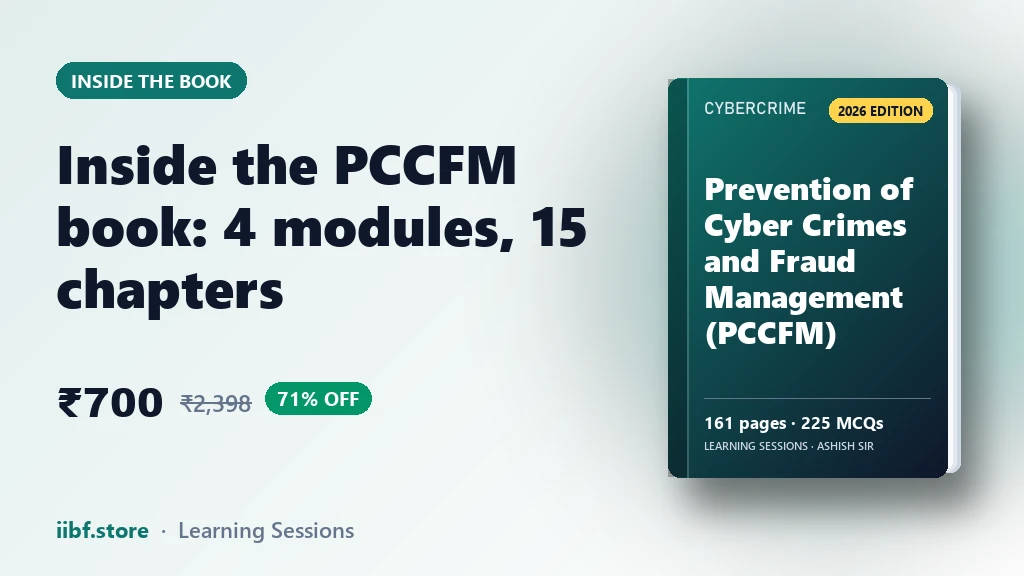
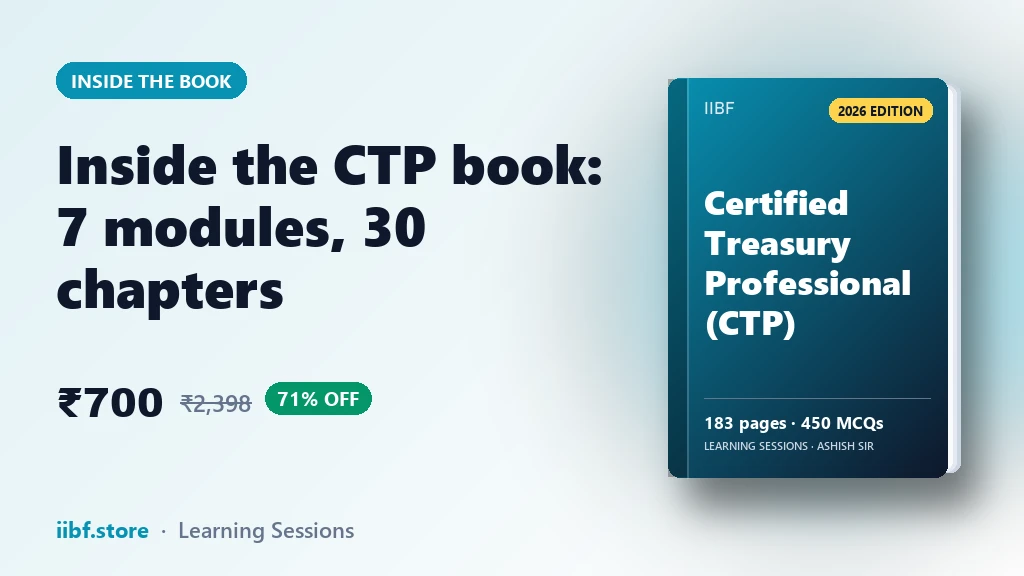
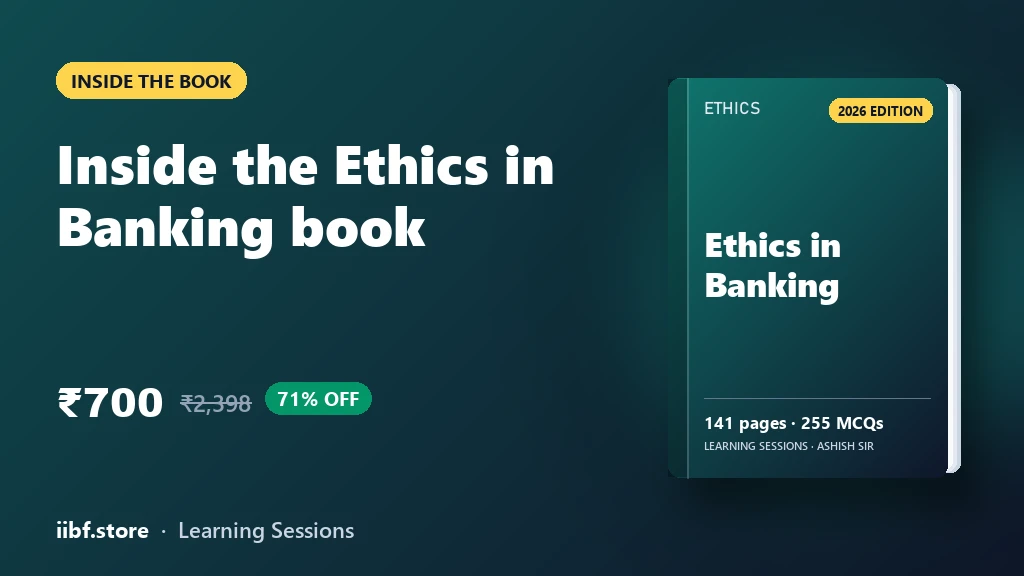
Prefer revising from a printed book?
Chapter-wise books with MCQs after every chapter — minimal pages, complete coverage, delivered anywhere in India. Every book has a free sample to read first.












































Take a free mock test, download chapter PDFs, or watch a video class — all included on iibf.store.